
Commercial · Guildwood Village
Access Control Installation in Guildwood Village
You just leased the empty unit next door and want the new tenant to open their own suite without a key to yours, to the loading dock, or to the electrical room down the hall.
In plain words
A building already running an intrusion alarm or a camera system gains from an access control installation that speaks to them rather than sitting apart from them: an arm-and-disarm event that lines up with the person who unlocked the door, a camera clip tagged to a specific credential instead of a blank time stamp. The reader and the lock still do the physical work of the opening; the value is in how the record from that opening lines up with everything else the building already tracks.
How the visit goesThe keypad on the side door has started sticking on cold mornings, codes get shared instead of reset, and half the staff still remember a code you meant to retire two hires ago.
Access Control Installation
How the visit goes
Confirming what the system needs to do
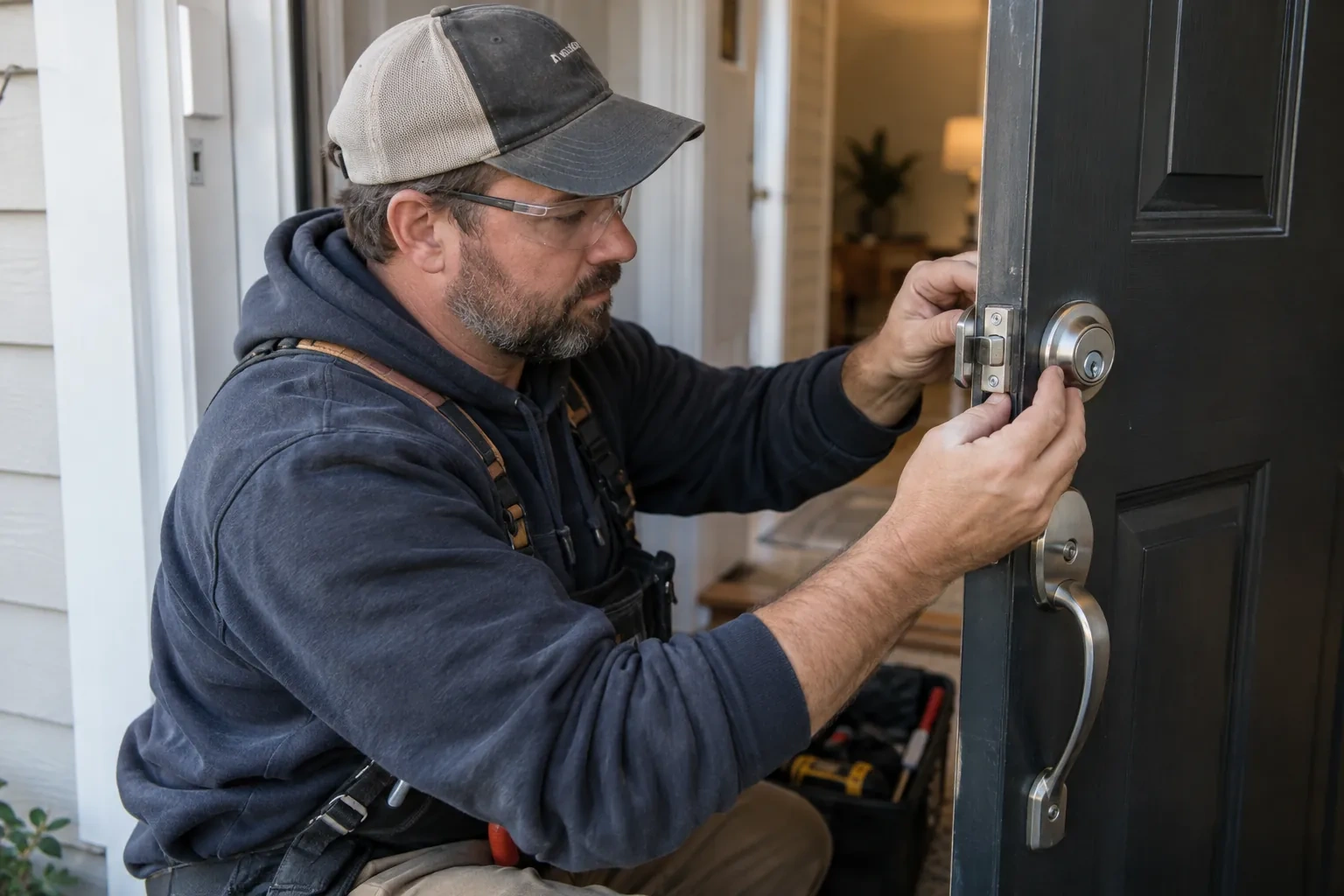
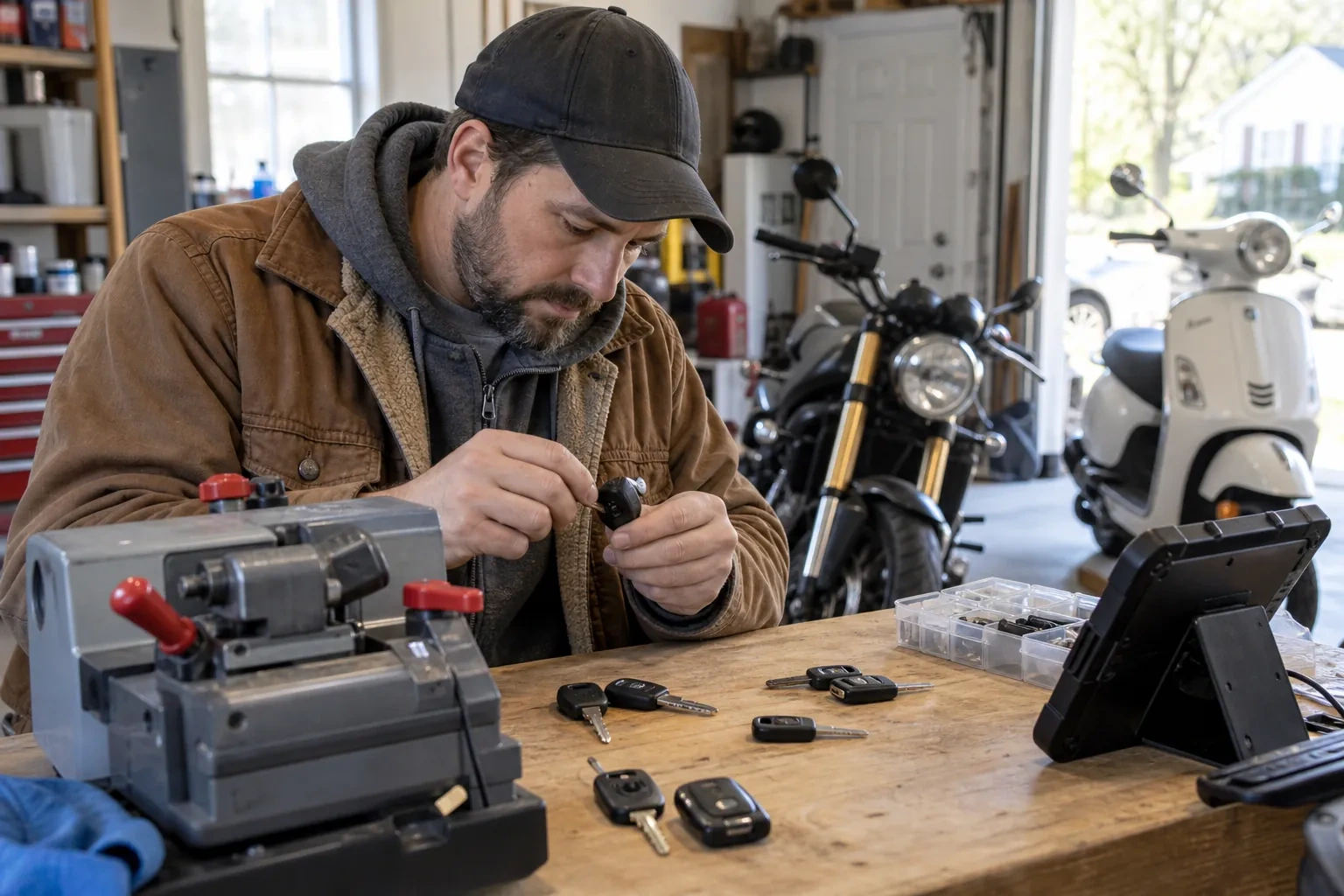
Before any hardware is chosen, the locksmith sits down with whoever will administer the system afterward and works out what it actually needs to do: which doors deserve their own control, whose entry needs a record, whether one opening keeps different hours than another, and who should be able to add or remove a credential once the job is finished. This conversation shapes every choice that follows, from a single standalone keypad on one door to a networked controller running several openings on one schedule, and it is where the business, not the installer, sets the priorities the system is built around.
Enrolling cards, fobs and codes
Once schedules and access levels are ready, each credential is enrolled against a name, presented at a reader or entered at an enrolment station, and assigned to the access level matching the person's role. A keypad code is set and confirmed working at the door itself; a card or fob is tested the same way before it is handed over. The locksmith keeps a running list during enrolment so nothing is issued twice and nothing is left unassigned, and hands that list to the administrator as the starting record for the system going forward.
Keeping the battery backup and hardware ready
A controlled door depends on power reaching the controller, the lock, and the reader, so battery backup is worth specifying and sizing for that opening rather than assumed to come standard, so a short outage does not leave anyone locked out or, on a fire-alarm-tied opening, locked in. That backup, where fitted, is worth checking periodically, along with the request-to-exit device on any magnetic lock, since both need attention between visits; a fail-secure lock can stay locked from the secure side once power is gone even where people can still leave freely. A short test, a few times a year, catches a fading battery early.
Access Control Installation
In the van
Request-to-exit devices
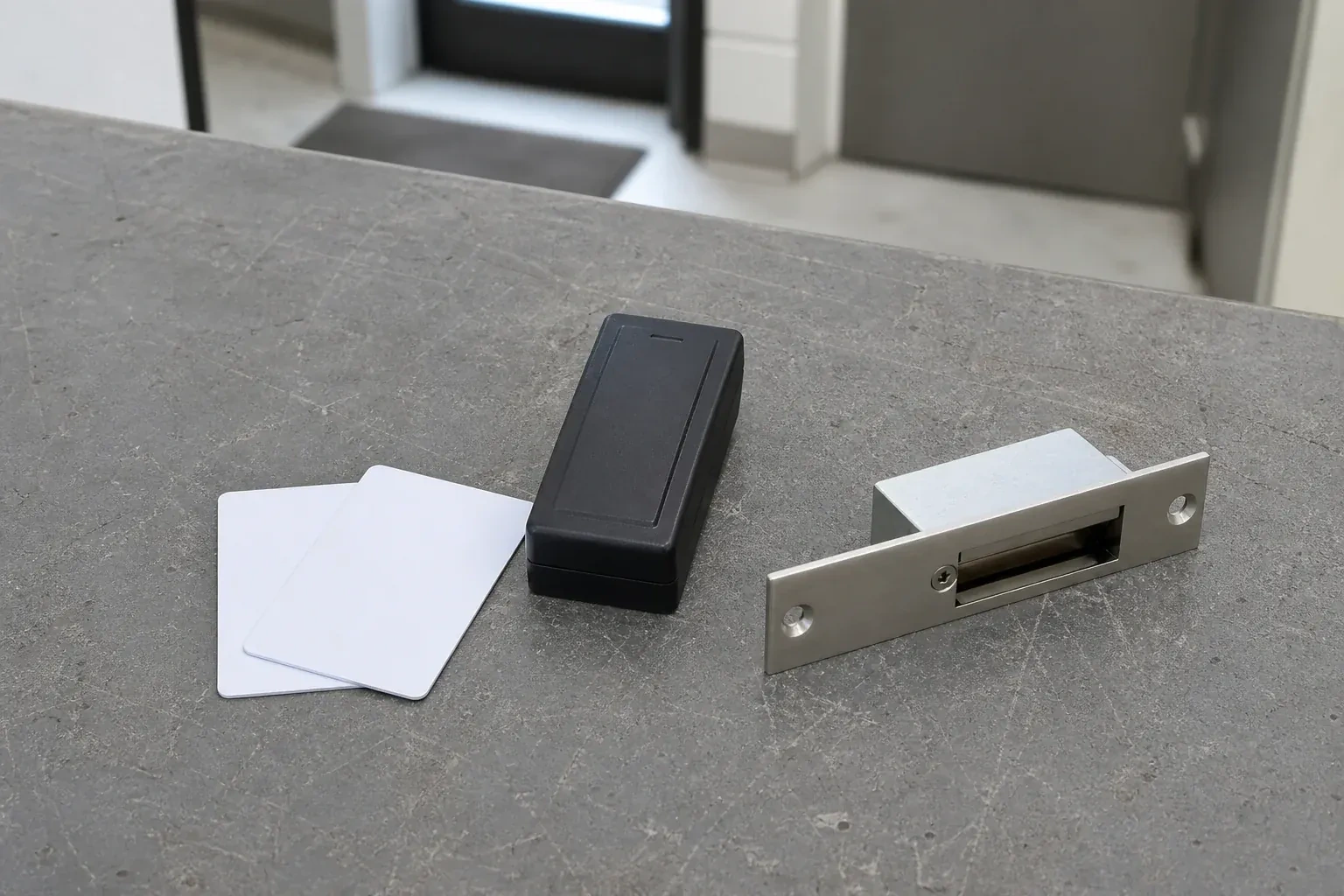
Credential cards and fobs
Electric strikes
Power supply with battery backup
Low-voltage cable
Access Control Installation
What affects the quote
How many credentials and what type
Cards, fobs, keypad codes and mobile credentials each involve different issuing steps, and a system enrolling a handful of managers is a shorter task than one enrolling an entire staff across several shifts.
How much door and frame preparation is needed
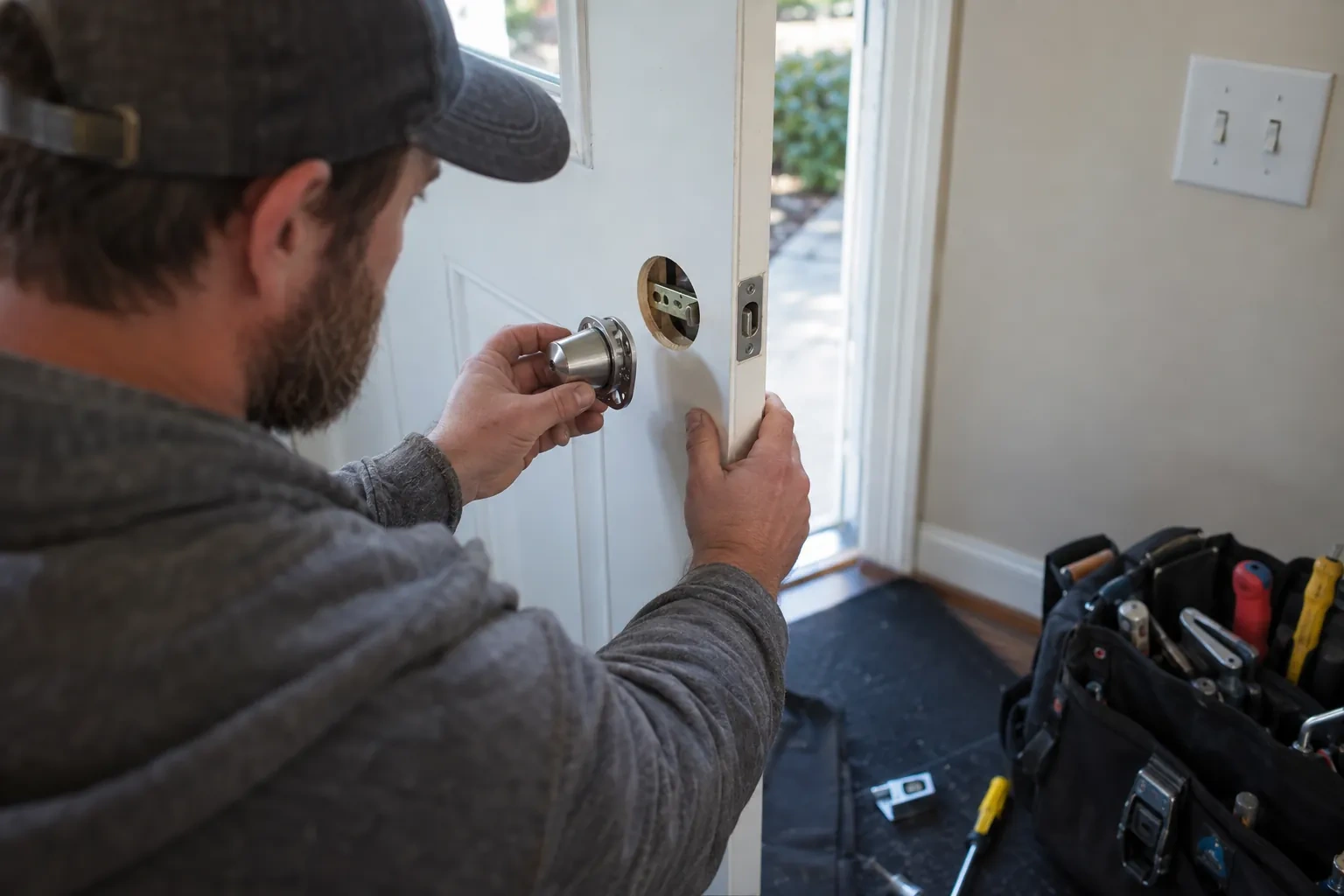
A frame that already suits an electric strike needs less preparation than one that must be mortised, reinforced, or matched with a different strike body, and an older or non-standard door can add its own preparation.
Fitting the mechanical override
Keying an override cylinder into the same system as the rest of the property's keys, rather than leaving it as an unrelated spare lock, takes coordination with whatever keying already exists across the building.
What to have ready
- Roughly how many people will need a credential to enter?
- Do you already have an alarm or camera system in place?
- Is any of these doors also a fire exit or required exit route?
Access Control Installation: questions
QuestionsCan a person's access change automatically by time of day or day of the week?
Yes. Access levels can be set to change automatically by time of day or day of the week, so a credential that opens a door during a shift can be denied outside it without anyone having to remember to switch it off manually. This is set up once in the schedule and then runs on its own from that point forward.
Can the system be expanded to more doors later?
Yes. A system installed with some spare capacity in its controller and power supply can usually take another door or two by adding a reader and lock and wiring it back in. A door far from the existing wiring can instead run its own standalone unit. Either way, existing schedules and credentials do not need to be rebuilt from scratch.
Can access control be added to just one door, or does it have to cover the whole building?
A single door with its own standalone reader is a complete installation on its own, and plenty of businesses start there. If more doors need controlling later, a networked controller can be added at that point, or the building can simply add another standalone unit. Nothing about starting small commits the business to expanding, and nothing about a single-door job rules out growing the system later.
Related services
- Master Key System DesignOn the warehouse floor, a shift supervisor's key opens the loading dock, the tool crib and the manager's office, though only the dock is really part of the job.
- Panic & Exit HardwareThe daycare wants the yard gate and the classroom door alarmed so a staff member hears the moment it opens, without turning either into something a child could be shut behind.
- Commercial-Grade Lock ReplacementOvernight someone forced the back door, and the cylinder face is scarred, the metal around the strike has pulled loose from the frame, and the latch no longer sits flush.